




Accessibility Best Practice in Responsive Design
Check reading order, focus order and menu names on narrow screens and at zoom. Provide touch and keyboard access for information otherwise exposed only on hover.
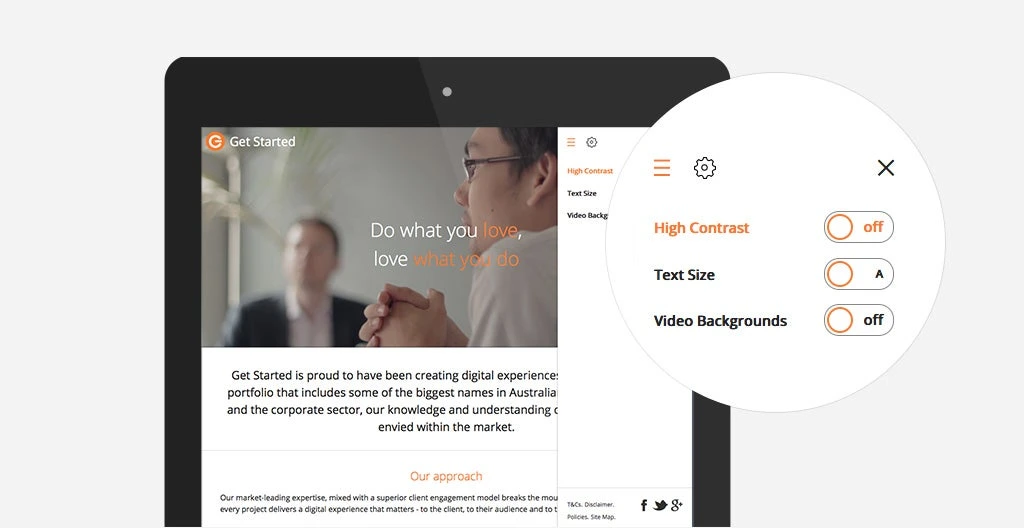
Putting accessibility into practice
Semantic structure makes headings, lists and forms understandable through different input methods. Similar-looking controls still need distinct names, states and a logical order.
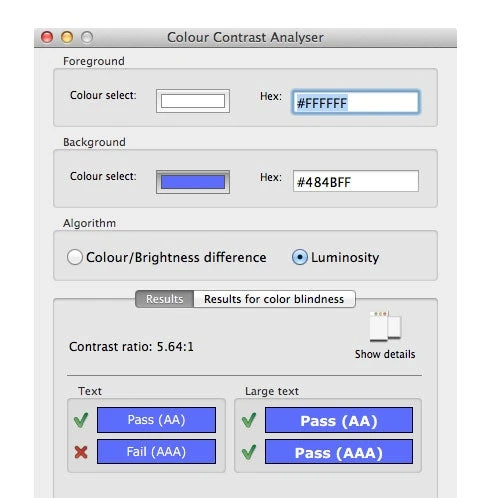
Checking the result
Complete a journey using only the keyboard, then resize text and review the content. Record lost focus, colour-only meaning and unclear errors.