



Deliver a goal-to-task map, page priorities, metric definitions and a near-term roadmap. Agree the main customer task before deciding the first pages.
Working material
Planning connects business goals to customer tasks and prioritised pages and functions. Separate confirmed needs, research hypotheses and future ideas.
Digital strategy · Working details
Connect business goals, audience needs and website content to decide what comes first and how to evaluate it.
Delivery and checks
Give near-term work inputs, an owner and an inspectable result before deciding the next step. Retain reasons for rejecting alternatives.
Related design commentary
Connect business goals, audience needs and website content to decide what comes first and how to evaluate it.

Cancer Council Australia · Design showcase
Organise health information around reader questions, with clear distinctions between research, services and participation.

Melbourne Business School’s AI chatbot · Design showcase
Bound a conversational helper's questions, provide source references and retain conventional search and human contact.

Launceston Airport · Design showcase
Organise airport information around departure, arrival and ground transport, identifying sources and freshness of live data.
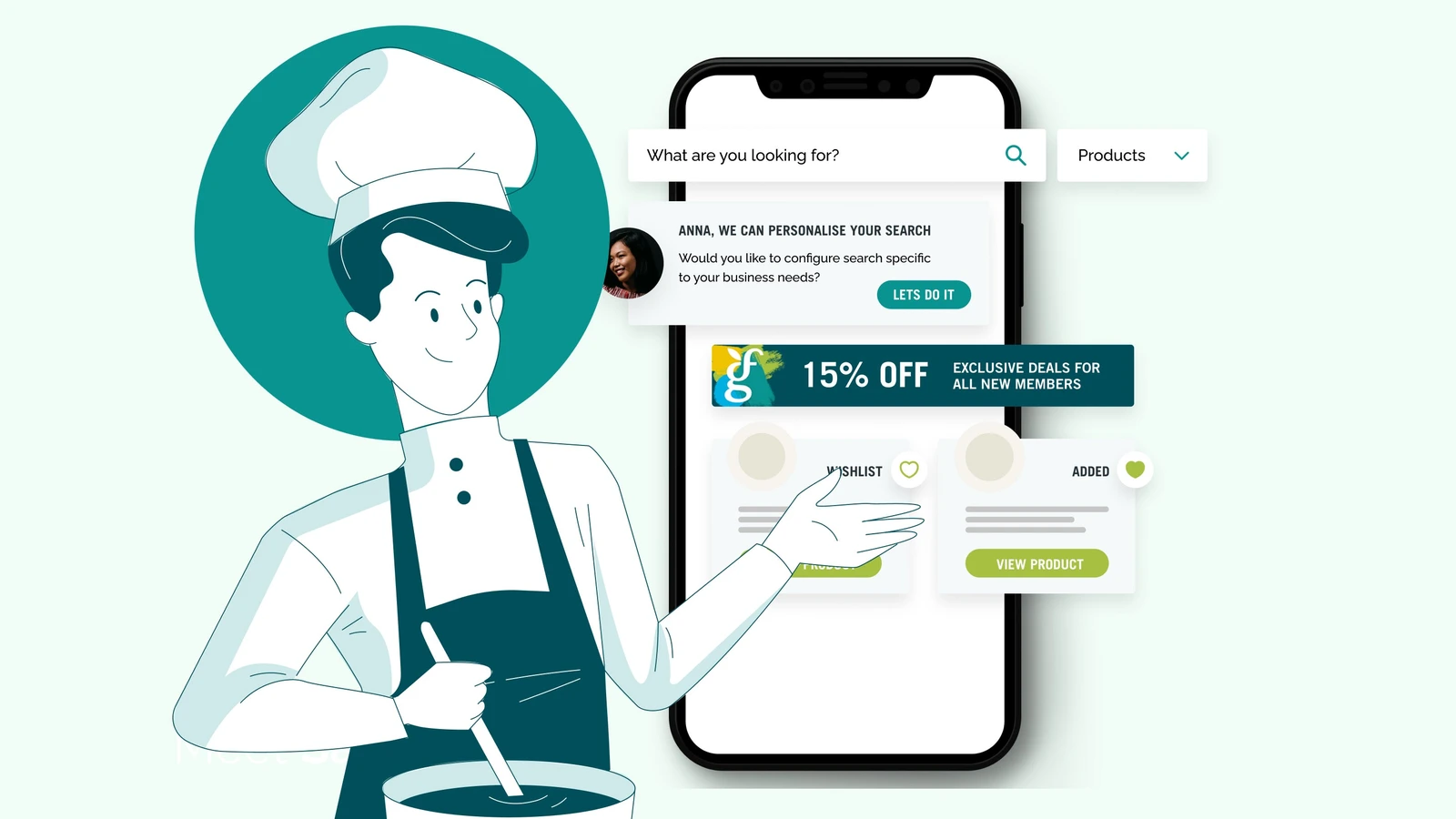
Goodman Fielder · Design showcase
Connect food brands and product applications while separating corporate and consumer journeys.

Vinnies · Design showcase
Separate getting help, volunteering and learning about projects, presenting location and contact information by task.

The Australian and New Zealand College of Anaesthetists (ANZCA) · Design showcase
Separate training, member and public journeys on a professional college site, with clear terminology and resource categories.

SILK Laser Clinics · Design showcase
Connect services, locations, preparation and enquiry paths, supplementing imagery with suitability information.

RedZed · Design showcase
Explain specialist financial services through customer situations and process, with conditions before enquiries.

Yuanjing Mobility | A new horizon
Concept case · A distinctive brand story and connected product journey for a new electric-mobility concept.

Simplot · Design showcase
Present food brands, business and applications with separate consumer and partnership entry points.

Interrelate · Design showcase
Explain audiences, access methods and appointment preparation for family support in direct, understandable language.

Churches of Christ · Design showcase
Group community services by practical needs and present locations, audiences and contact steps together.

Reward Hospitality · Design showcase
Support business purchasing with categories, specifications and supply information, retaining items and quantities in quotation requests.

Pearson Australia Schools · Design showcase
Categorise educational products by level, subject and format, distinguishing teachers, families and institutional buyers.

The Salvation Army Discovery Project · Design showcase
Identify users and support situations during discovery before arranging service, location and contact journeys.

Yarra City Council · Design showcase
Group council information by resident tasks with consistent routes to applications, locations and public resources.

Allens 200 · Design showcase
Use a chronology to connect people, events and images, with clear cues for browsing by period.

ANZIIF · Design showcase
Connect professional courses, events and industry resources through consistent categories and learning goals.

Ivory Coat Food Check · Design showcase
Start a product checker with a few clear questions and explain the inputs and boundaries of its result.

Snooze · Design showcase
Connect home imagery, product categories and specifications, maintaining continuity between online browsing and store contact.

Kapitol Group · Design showcase
Build a construction directory around imagery, project types and locations, with scope and design details on each page.

UNICEF Australia · Design showcase
Cross-organise non-profit content by theme, region and participation, retaining sources and updates for important material.
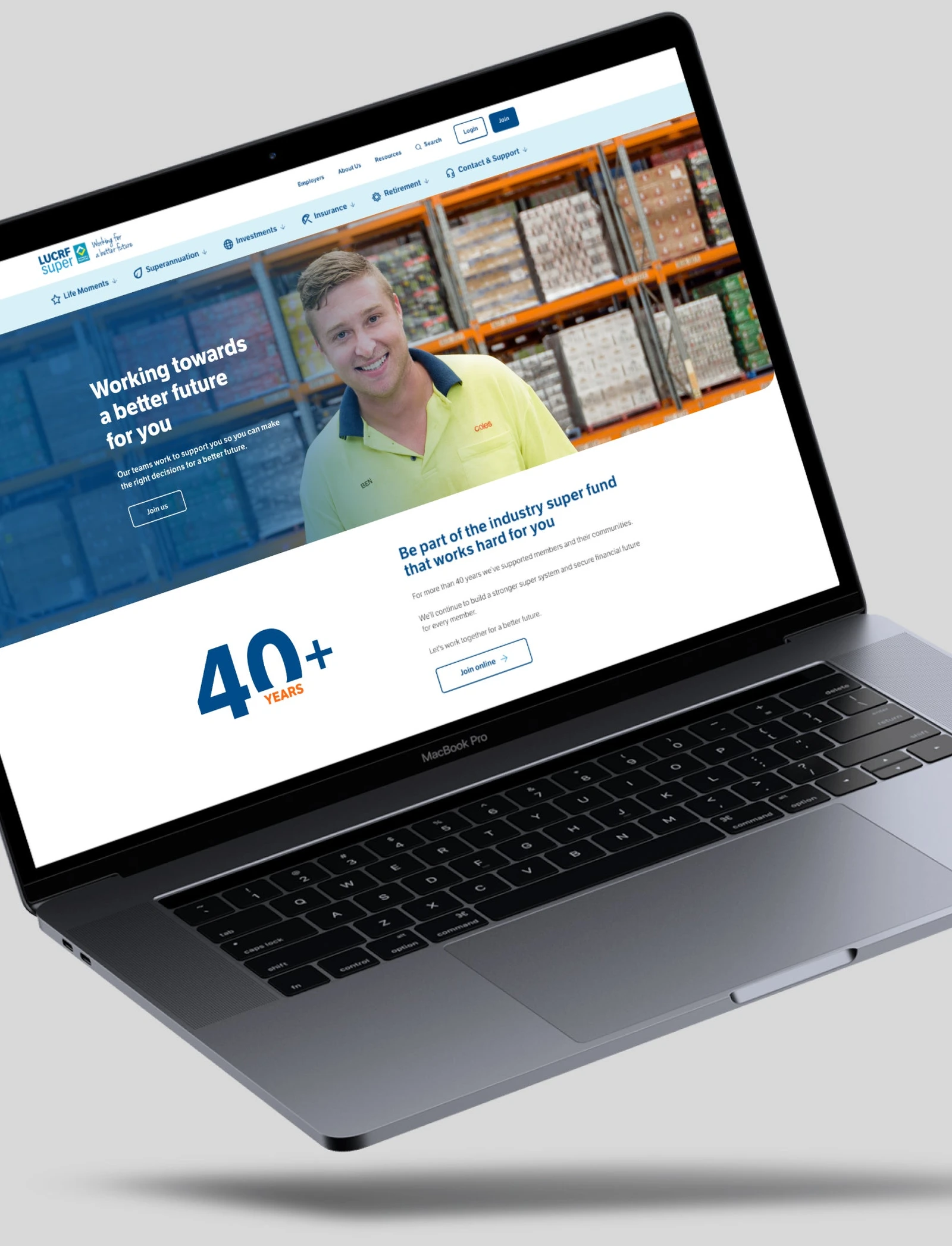
LUCRF Super · Design showcase
Maintain stable resource categories and frequent member actions without allowing updates to displace core tasks.
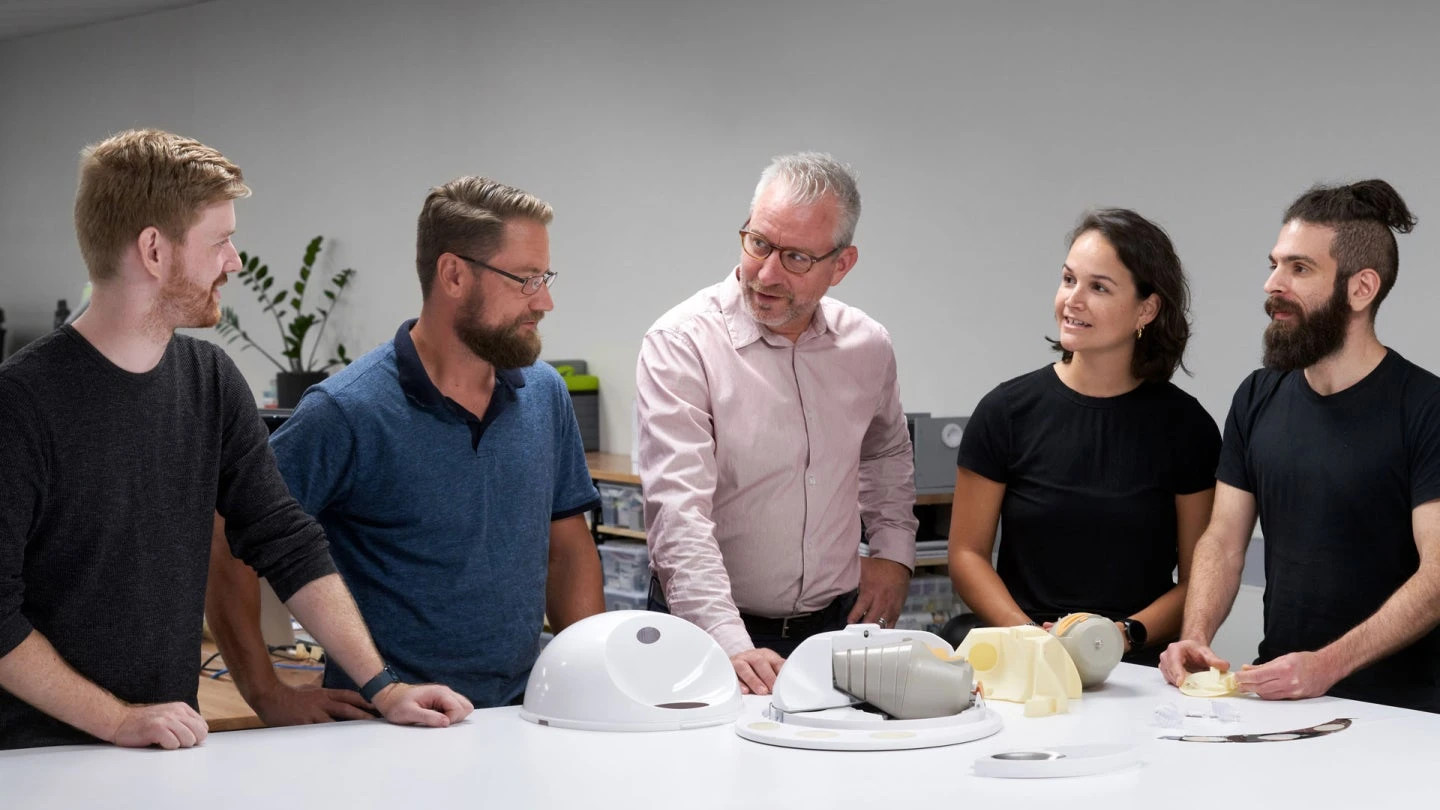
Outerspace Design · Design showcase
Explain design work through imagery, process and project types, balancing visual rhythm with an accessible directory.

Weir Minerals · Design showcase
Connect industrial applications, equipment and support material, with clear versions and product relationships.

Clipsal Virtual Smart Home · Design showcase
Organise spatial showcases by room or scenario and pair static views with explanations and equipment lists.

TTI Group (Ryobi) · Design showcase
Categorise tools by task and range, bringing compatibility, accessories and technical material together.

Magistrates Court of Victoria · Design showcase
Organise public court information by tasks, locations and required documents, supporting unfamiliar visitors.

Avant · Design showcase
Provide distinct routes to professional support, products and resources, maintaining continuity across sign-in.
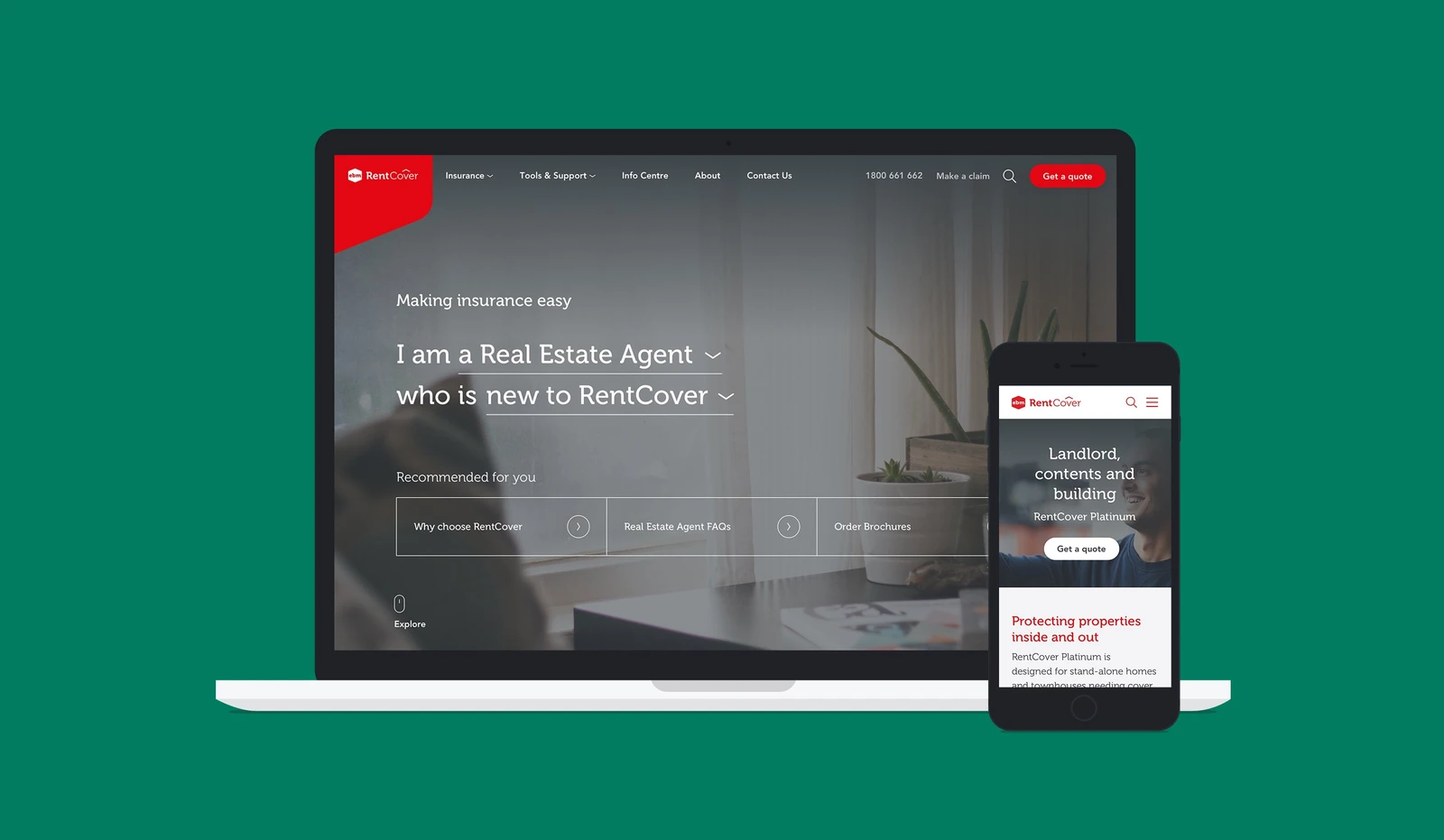
EBM RentCover · Design showcase
Compare audiences, scope and process, giving terms and enquiries distinct purposes.

Fleet Plant Hire · Design showcase
Filter equipment services by purpose, specification and project conditions, carrying models and location into enquiries.

Maple-Brown Abbott · Design showcase
Distinguish institutional information, strategies and resources, retaining dates and definitions for data.
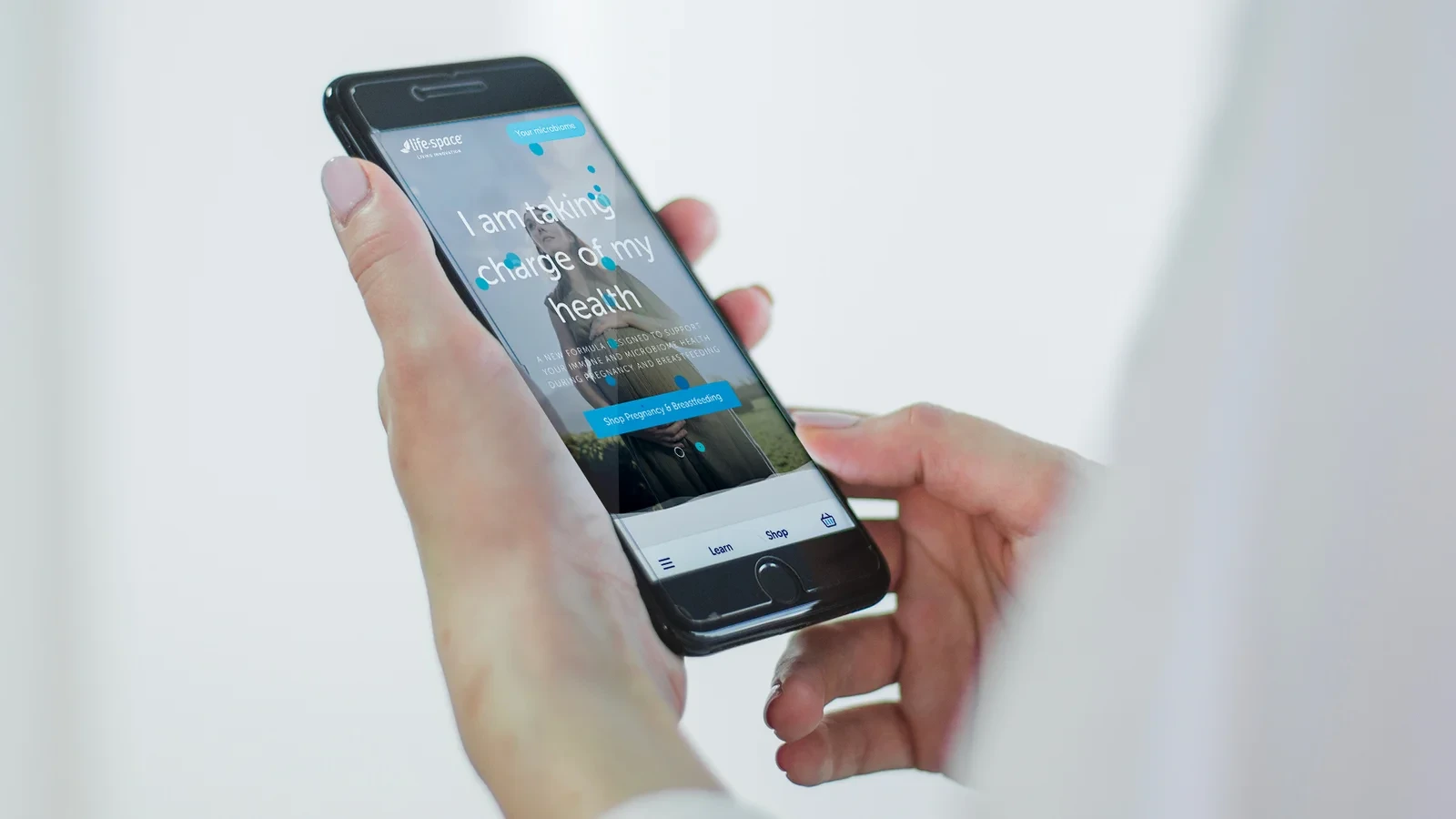
Life-Space Probiotics · Design showcase
Explain product ranges and audiences first, distinguishing brand storytelling from product information.

Melbourne Business School · Design showcase
Support educational choices through courses, formats and admission conditions, with people and campus imagery providing context.

Clipsal by Schneider Electric · Design showcase
Offer application and product-family routes through a large catalogue for both professional and general visitors.

Qiju Electric | Considered product choices
Concept case · Connecting living spaces, product discovery and planning to make technical choices clearer.

Adviceline Injury Lawyers · Design showcase
Explain legal service suitability, process and required material before inviting an enquiry.
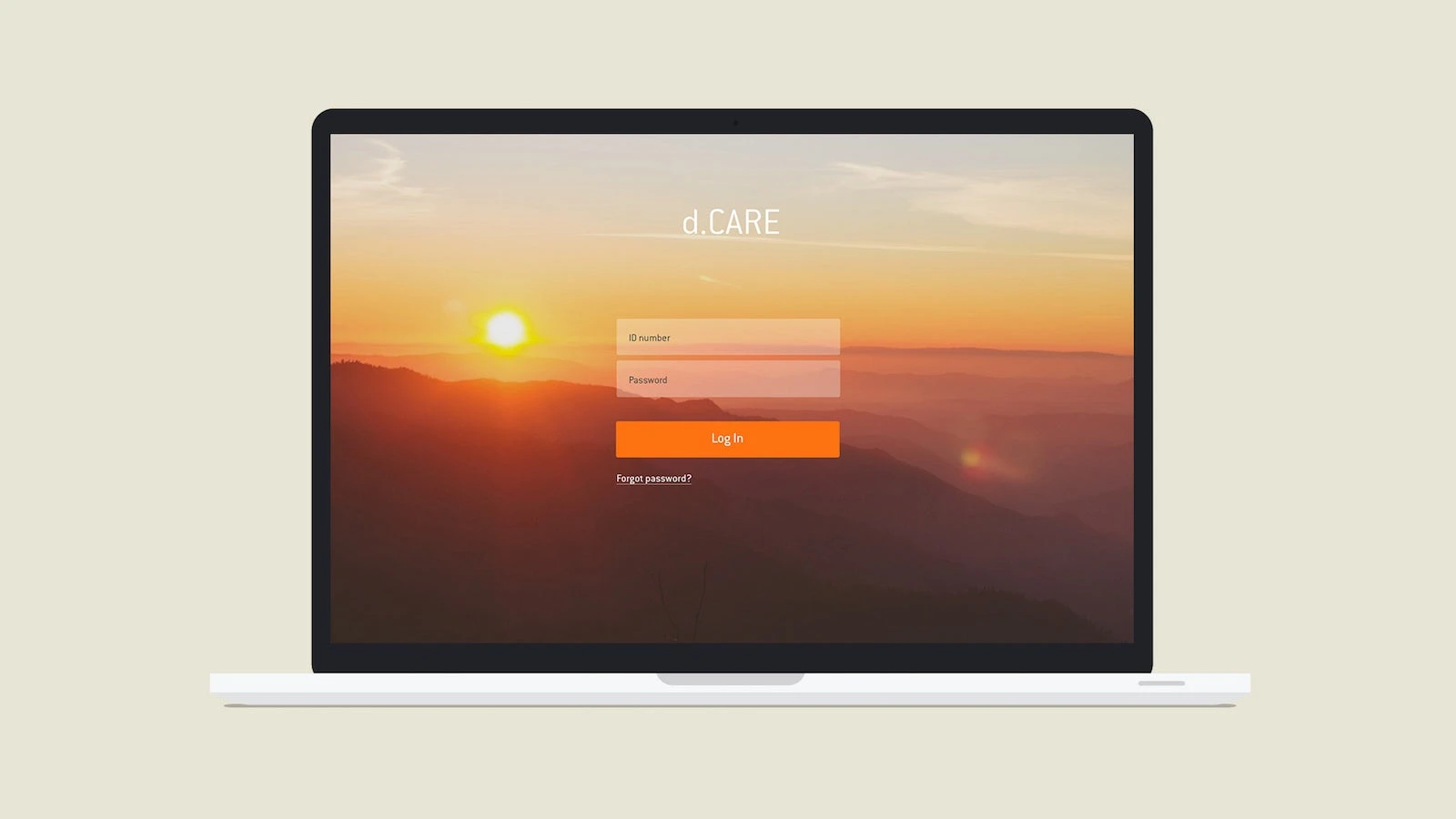
Diaverum d.CARE app · Design showcase
Clarify user roles and current tasks in a service app, with visible states for records, reminders and help.
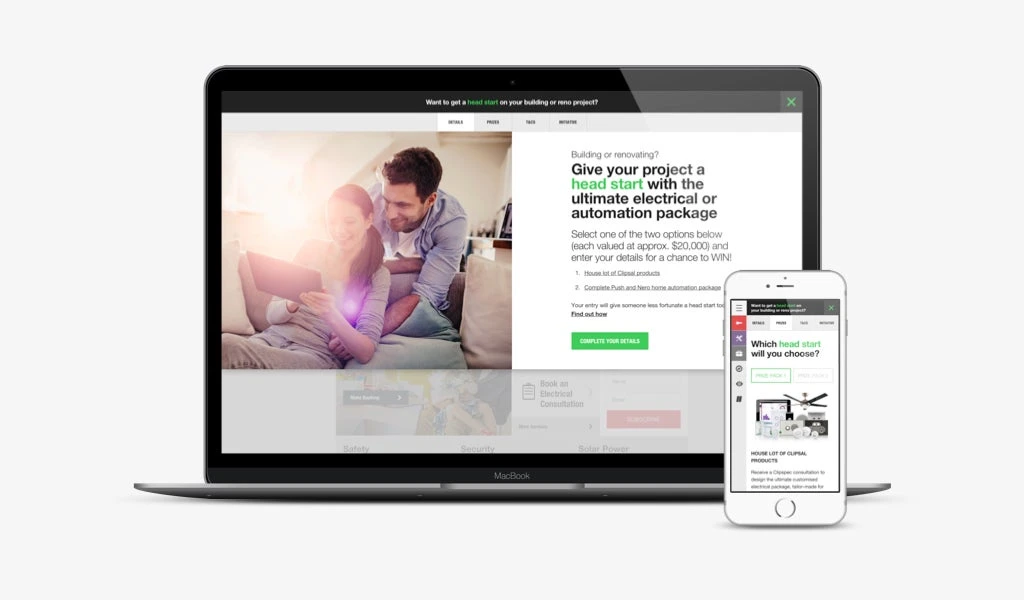
Head Start – Clipsal Consumer Promotion · Design showcase
Show campaign steps, eligibility and dates, keeping accessible rules consistent with promotion copy.

Vanguard Index Chart Challenge · Design showcase
Explain a chart's time range, measures and interaction rules, with readable text alternatives.
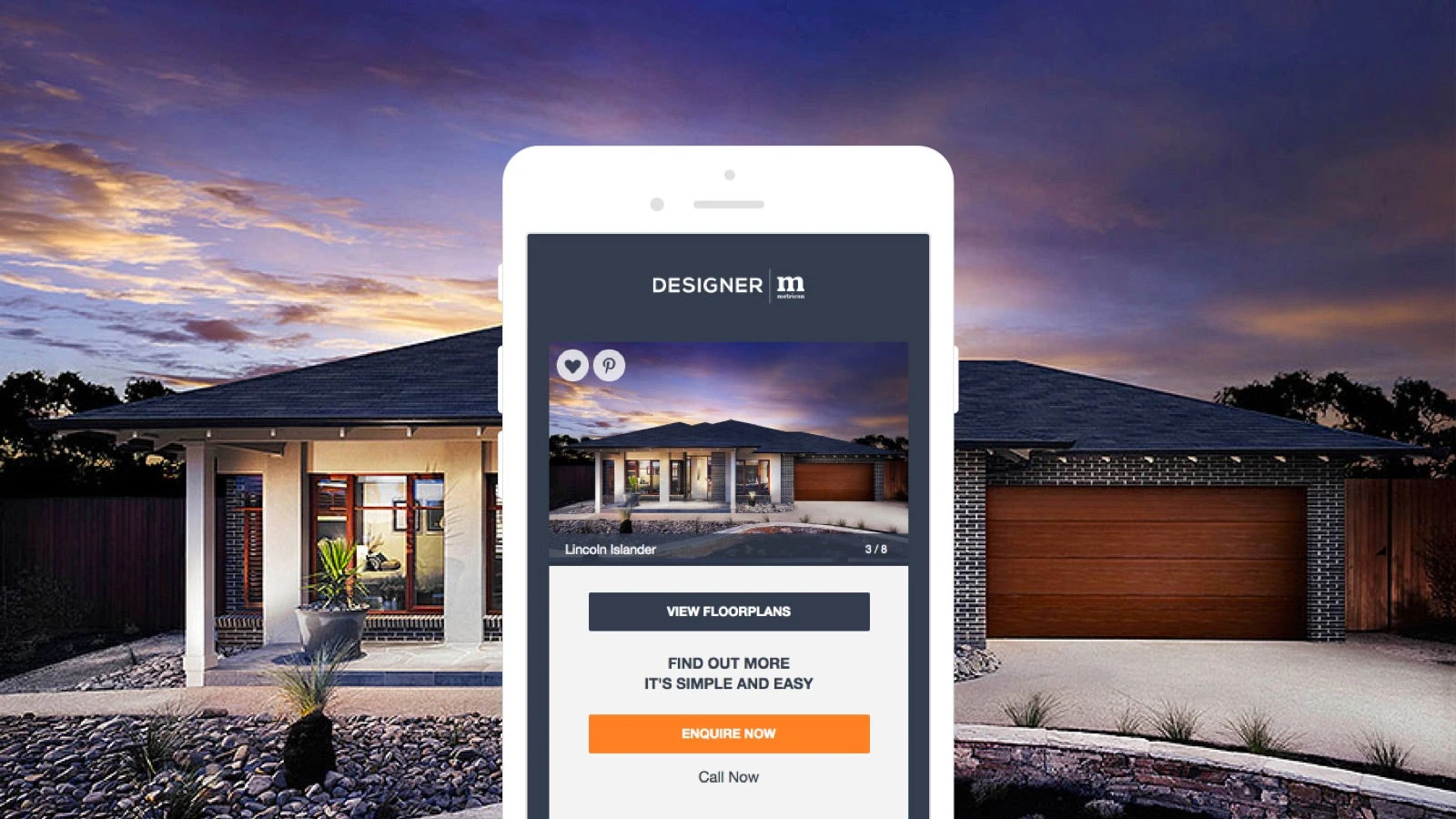
Metricon Homes · Design showcase
Compare home designs by plan, size and preference, connecting inspirational imagery to specifications.
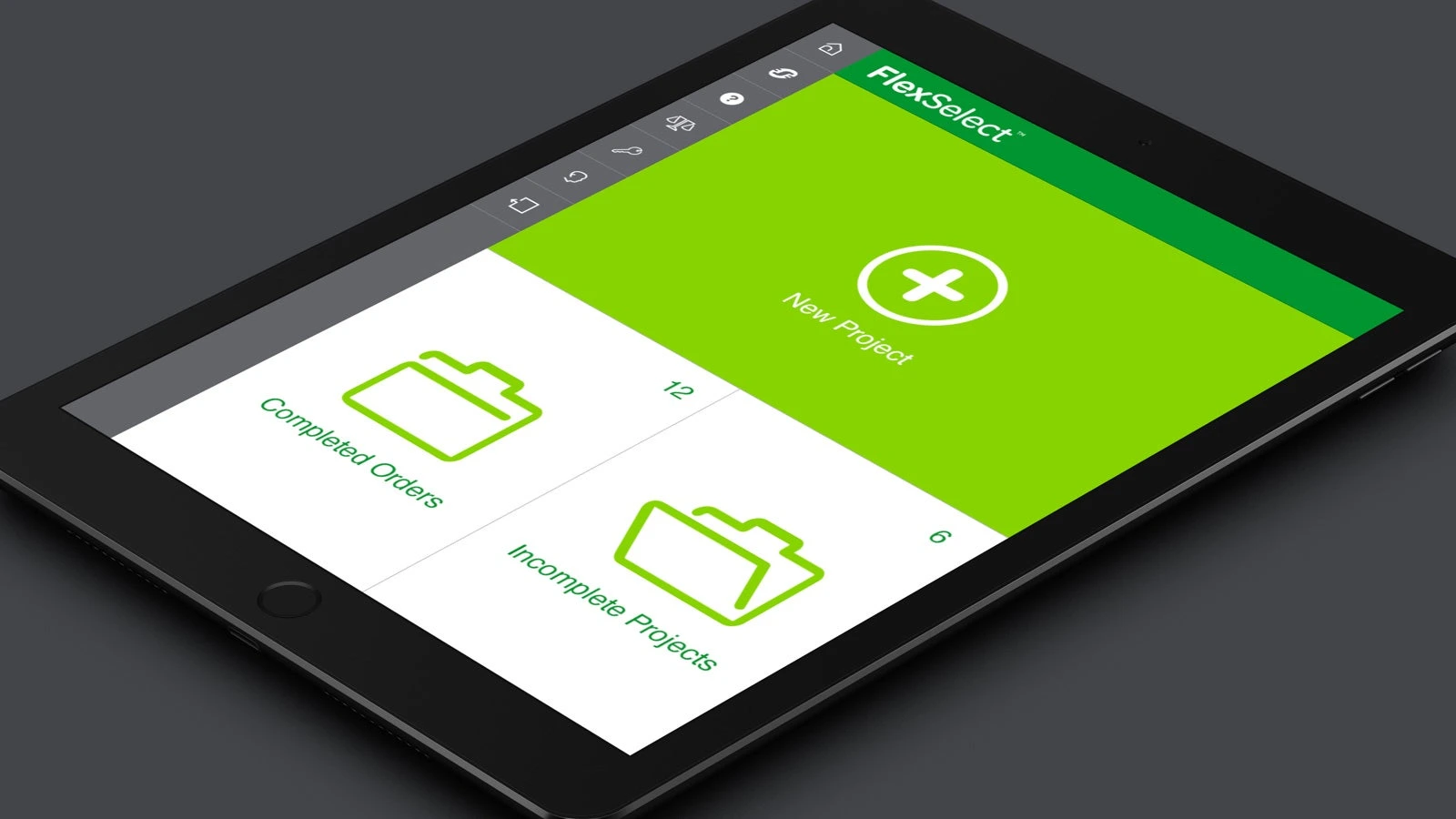
FlexSelect · Design showcase
Show current selections and dependencies in a configuration journey, identifying missing inputs before results.
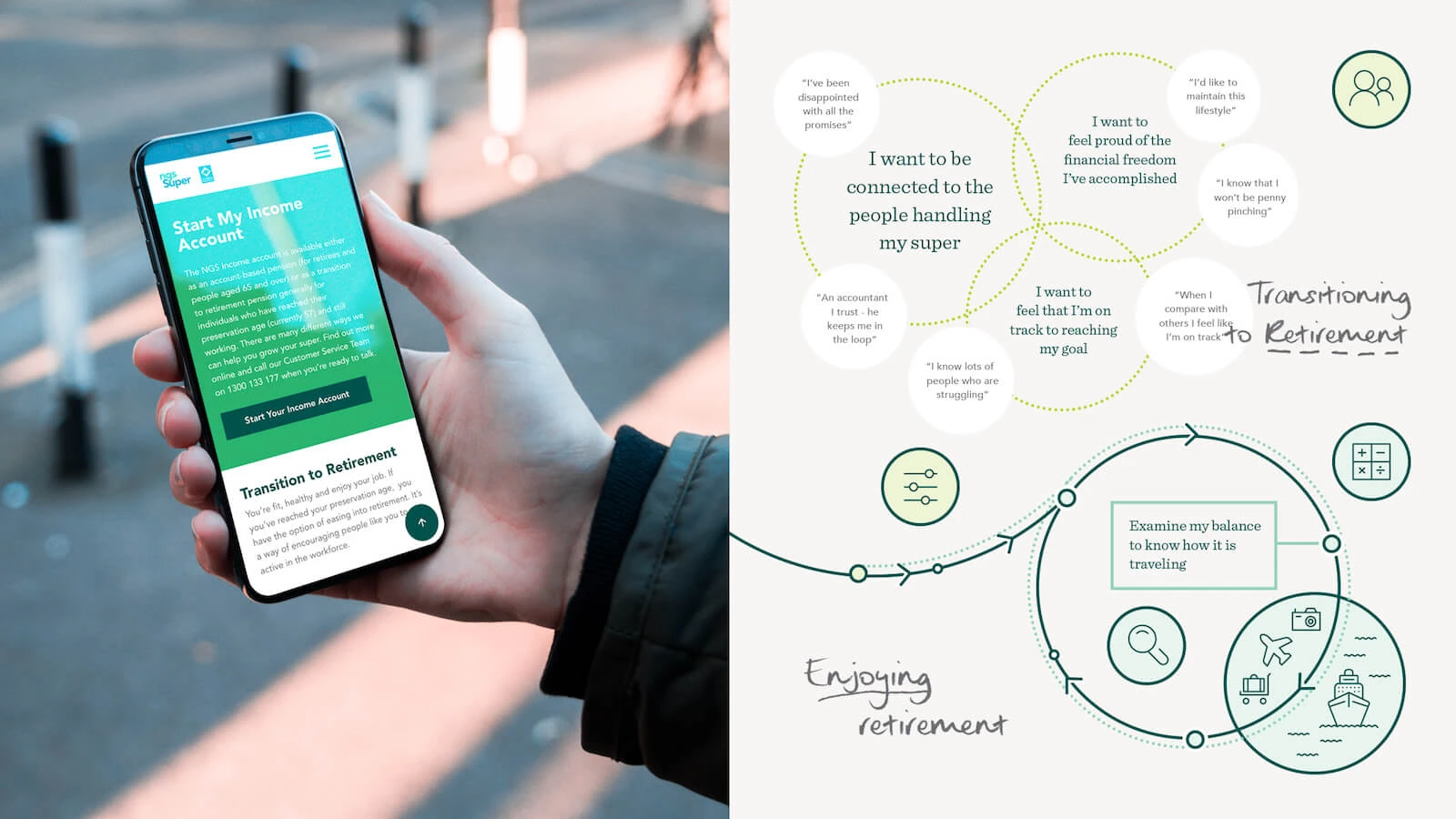
NGS Super · Design showcase
Use life-stage routes for member services, with complete informational and account journeys.

Vanguard Australia Service Design Project · Design showcase
Examine information, application and ongoing support together in service design, with ownership and feedback at handovers.
Related practical notes
Connect business goals, audience needs and website content to decide what comes first and how to evaluate it.

Component maintenance
Project discipline
Define component maintenance responsibilities, inputs, collaborators and review outcomes. This page describes a discipline; staffing is agreed for each project.

Link maintenance
Project discipline
Define link maintenance responsibilities, inputs, collaborators and review outcomes. This page describes a discipline; staffing is agreed for each project.

Product information
Project discipline
Define product information responsibilities, inputs, collaborators and review outcomes. This page describes a discipline; staffing is agreed for each project.

Service blueprints
Project discipline
Define service blueprints responsibilities, inputs, collaborators and review outcomes. This page describes a discipline; staffing is agreed for each project.
Human review
Project discipline
Define human review responsibilities, inputs, collaborators and review outcomes. This page describes a discipline; staffing is agreed for each project.

Practical notes
Plan human review for AI content
Generating a whole website and then looking for someone to check it encourages a rushed review. Decide beforehand which material is available, which statements need approval and who can publish the result. The draft can then be built around information that is possible to verify.

Practical notes
A practical guide to writing AI-friendly content
Answer one clear question per page with context and evidence for key facts. Explain tables and images in text rather than hiding answers in decoration.

Practical notes
Six ways generative AI is reshaping our search experience
Compare summary, conversational, image and conventional search tasks. Maintain readable evidence and direct answers without relying on one presentation format.

Practical notes
Four common risks to SEO during migrations – and how to mitigate them
Check URL mapping, indexing settings, lost content and internal links. Preserve a pre-migration inventory and verify destination pages individually rather than redirecting everything to the homepage.

Practical notes
From the SXSW stage to the boardroom: Storytelling at work
Organise a story around the problem, decision and result, including unknowns. Verify data, quotations and personal accounts separately instead of filling gaps with drama.
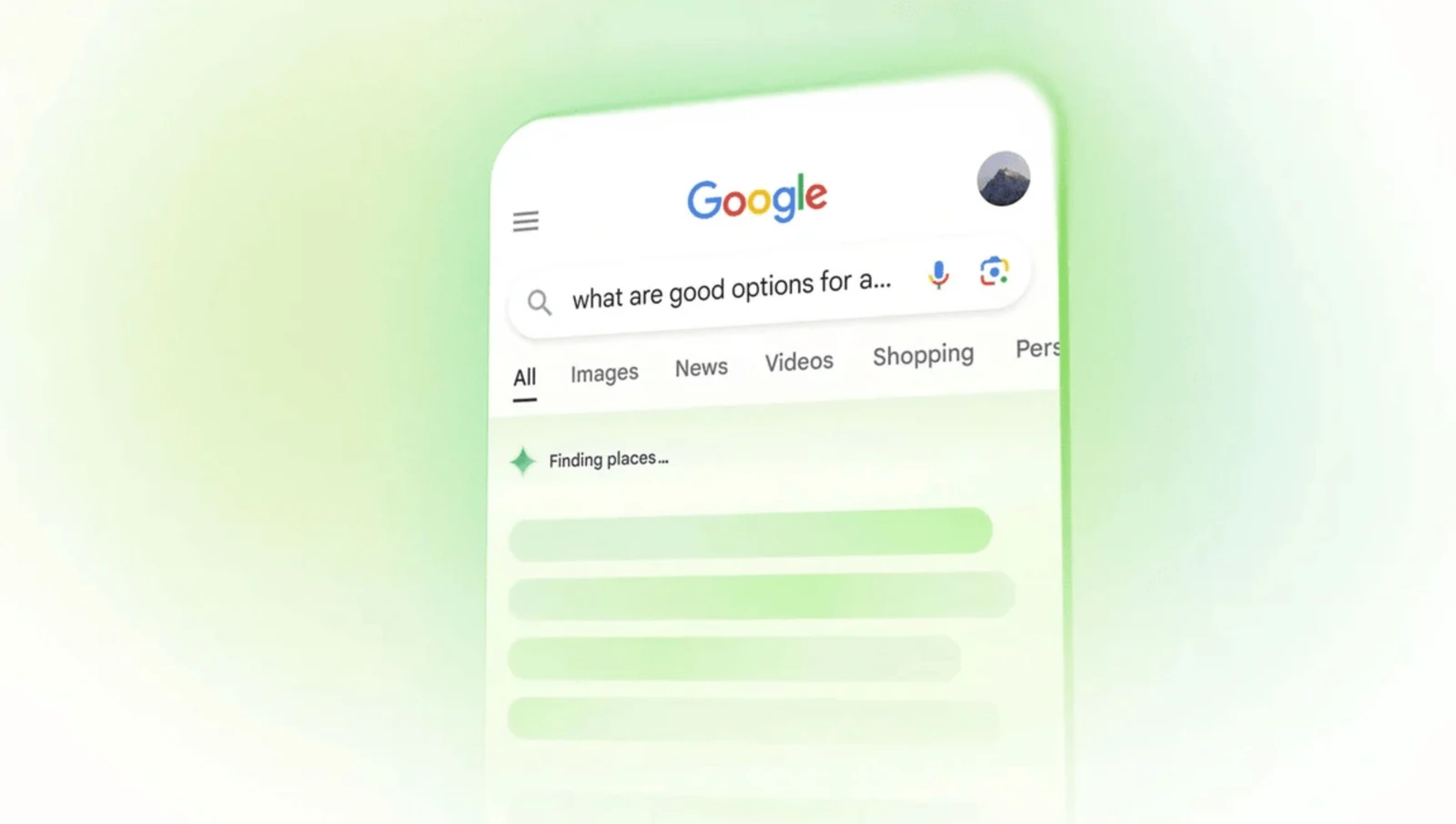
Practical notes
Evolving your SEO strategy for Google’s upcoming AI search experience
Review valuable pages for direct answers, supporting evidence and self-contained explanations. Avoid repeating keywords purely for machine visibility.

Practical notes
Why conducting a content audit is essential
Record URL, topic, owner, validity and action. Distinguish duplicates, outdated material and unsupported claims rather than deciding from traffic alone.

Practical notes
Digital disruption – are you ready?
Start with a frequent process that has clear inputs and measurable outputs. Retain manual handling and exception routes while establishing reliable automation.

Practical notes
The future of web is voice: Are you listening?
Use voice to find services and readable pages for confirmation and comparison. Allow correction and a switch to touch or keyboard.
Practical notes
The 7 secret ingredients for digital project success
Agree goals, audience, scope, inputs, ownership, budget and acceptance before starting. Write each as a checkable statement instead of relying on verbal agreement.
Practical notes
Collecting privacy requirements for a website
Inventory fields, purposes, access roles and deletion routes, then obtain review of applicable requirements. Copying another website’s notice does not establish compliance.
Practical notes
Agile is not a process
Each iteration should produce something reviewable and use feedback to adjust priorities. More meetings without visible pages do not create a useful learning loop.

Practical notes
How to perform a website audit
Sample navigation, copy, images, forms, search and mobile tasks. A successful response establishes reachability, not correct content or behaviour.
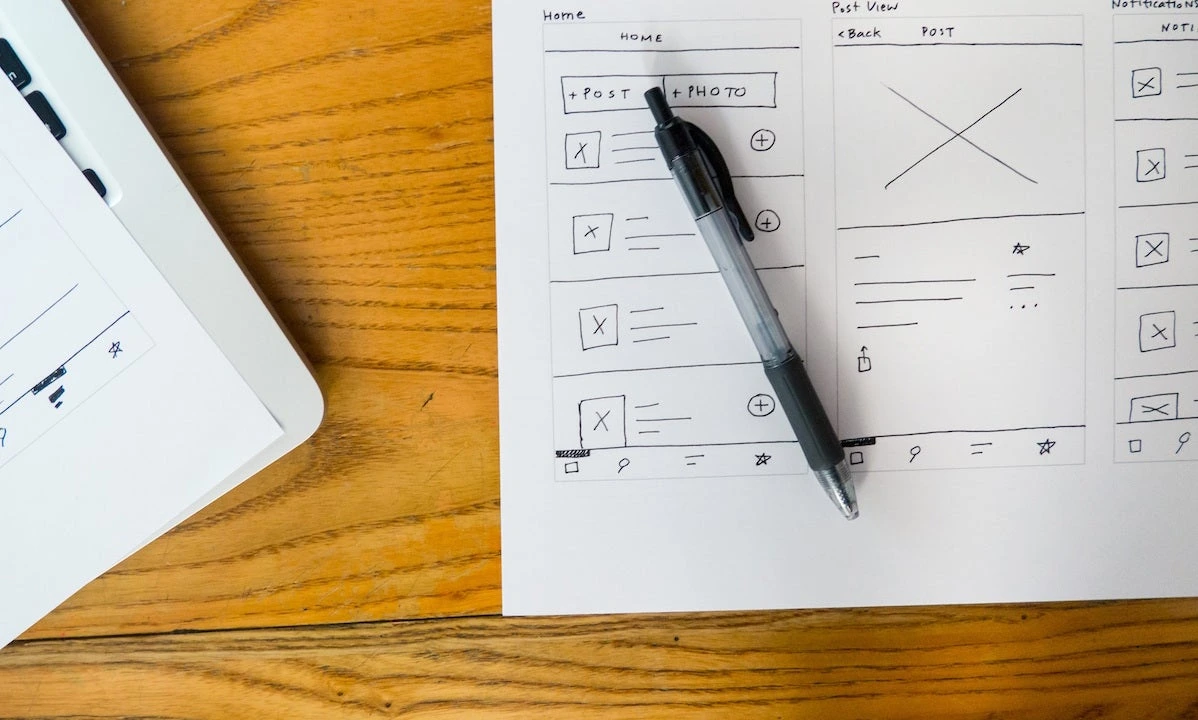
Practical notes
Why UX is not optional
Define audience tasks and current difficulties at kickoff and test journeys early. Scale research to the budget without omitting the problem definition.

Practical notes
Generative AI: How to prepare for the next evolution in organic search
Write service scope, contact routes and FAQs as self-contained explanations. Test answer completeness with real questions rather than adding markup alone.

Practical notes
All you need to know about online A/B testing in 2023
Predefine the hypothesis, primary measure, assignment and stopping rule. Avoid concurrent changes and record anomalies and missing data.

Practical notes
SEO copywriting: How to write for users and not their clicks
Use customer language naturally in headings and answers. Avoid repeating paragraphs or creating pages without distinct purposes solely for keywords.

Practical notes
Finding relevance for FMCG brands online
Separate specifications, usage, suitability and purchase channels. Keep images consistent with packaging information and retire expired promotions.

Practical notes
UX v SEO: Friends or Foes?
Use headings for customer questions, direct answers and clear onward navigation. Avoid keyword-only pages and excessive simplification.
Shape the project
Connect business goals, audience needs and website content to decide what comes first and how to evaluate it.

Practical notes
How to choose the right CMS
Use an article, product and approval as sample tasks. Have real editors author, preview and restore content and record assistance and maintenance costs.

Practical notes
Building a martech stack
Map acquisition, content, email, analytics and customer records, including existing tools. Before adding a system, check export, synchronisation and maintenance ownership.
Practical notes
Plan human review for AI content
Generating a whole website and then looking for someone to check it encourages a rushed review. Decide beforehand which material is available, which statements need approval and who can publish the result. The draft can then be built around information that is possible to verify.

Practical notes
How to create a digital strategy roadmap
Separate current problems, near-term improvements and later experiments, with owners and evidence. Keep the rationale for roadmap changes traceable.
Practical notes
How to perform a website audit
Sample navigation, copy, images, forms, search and mobile tasks. A successful response establishes reachability, not correct content or behaviour.

Practical notes
How to brief a digital agency
State the business, audience, pages, available material and decision-maker. Clarify budget and timing conditions and identify specific reference sections.

Planning headless CMS content
Download this editable planning headless cms content to record current work, open questions and owners. OXOAK examples can be adapted to the project.

Digital product design workbook
Download this editable digital product design workbook to record current work, open questions and owners. OXOAK examples can be adapted to the project.
Practical notes
Why conducting a content audit is essential
Record URL, topic, owner, validity and action. Distinguish duplicates, outdated material and unsupported claims rather than deciding from traffic alone.