







Assess content, experimentation and marketing separately, including defaults, audience rules and traceable results.
Related design commentary
Explore Optimizely as a possible foundation. Start with editing needs, page structure and ongoing maintenance when discussing an implementation.

Cancer Council Australia · Design showcase
Organise health information around reader questions, with clear distinctions between research, services and participation.

Vocus · Design showcase
Organise communications around individual and business needs, with clear routes to capability, products and support.

Yuechang Sports | Brand & content
Concept case · Connecting events, venues and sports culture through a clear visitor journey.

Eftsure · Design showcase
Connect a software product's problem, capabilities and workflow, separating demo requests from resources.

RedZed · Design showcase
Explain specialist financial services through customer situations and process, with conditions before enquiries.

The Fred Hollows Foundation · Design showcase
Connect people, projects and action in a non-profit narrative, with discoverable use-of-funds and progress information.

Legalsuper · Design showcase
Separate plan information, resources and account actions on a member site, explaining complex concepts in short passages.

Allens 200 · Design showcase
Use a chronology to connect people, events and images, with clear cues for browsing by period.

William Angliss Institute · Design showcase
Organise vocational education by field, level and application requirements, using learning environments to add context.

Veggycation · Design showcase
Categorise educational food content by ingredient, question and use case, using visual indexes for discovery.

Life-Space Probiotics · Design showcase
Explain product ranges and audiences first, distinguishing brand storytelling from product information.

Fuso · Design showcase
Support vehicle comparison through models, applications and specifications, pairing imagery with technical information.
Practical notes
Assessing a CMS release for marketing work
Have editors test authoring, campaign preview and approval. Include training and migration rather than updating technical packages alone.


Practical notes
Optimizely's Opal AI: A bright spark or just more AI hype?
Test generation, revision and publication with your own material. Revalidate demonstration steps under project constraints, including failures and permissions.

Practical notes
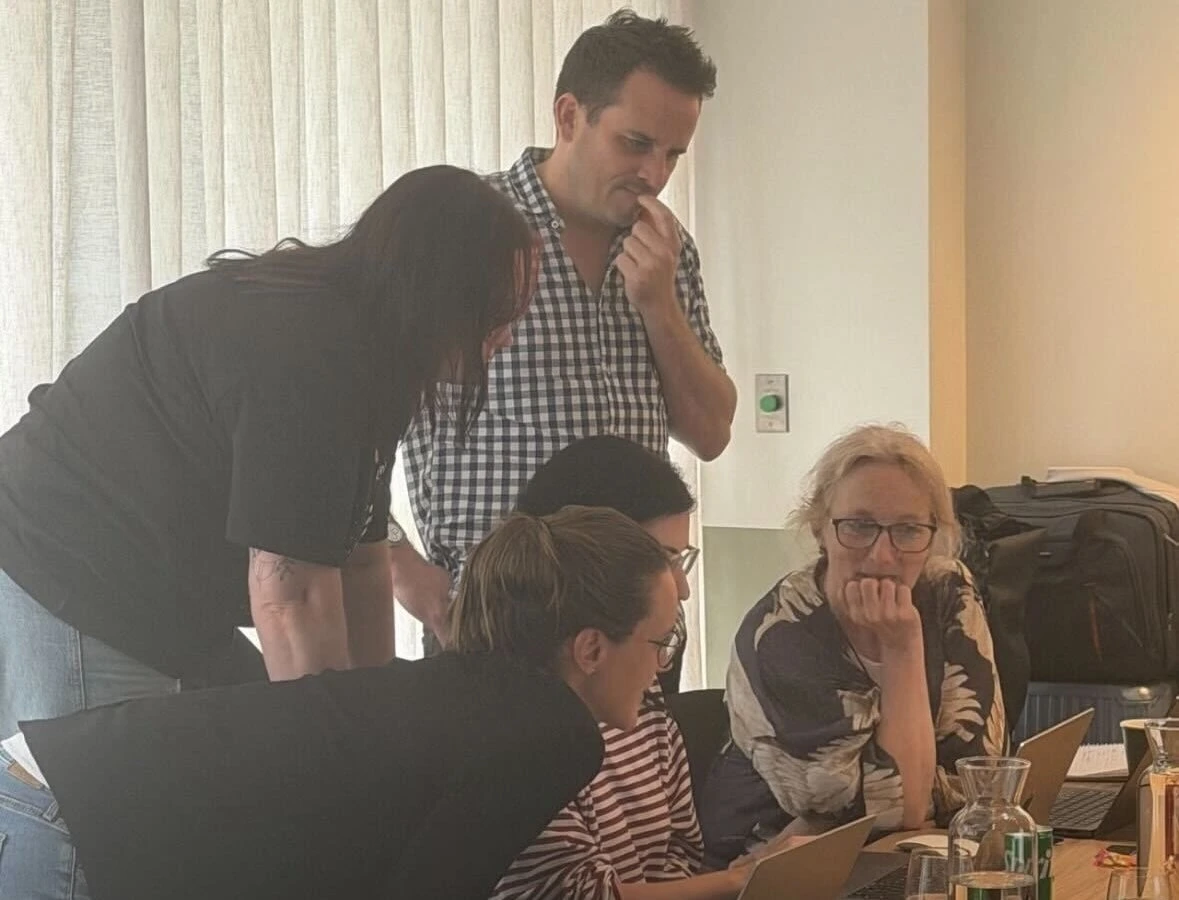
Designing task-based AI training
Cover input preparation, output review and permission boundaries. Require an independent task and an explanation of when to stop using the tool.


Practical notes
Designing venue information for search-led visits
Make event times, transport, ticket conditions and FAQs self-contained. Search visitors need current information and an authoritative confirmation route.
Practical notes
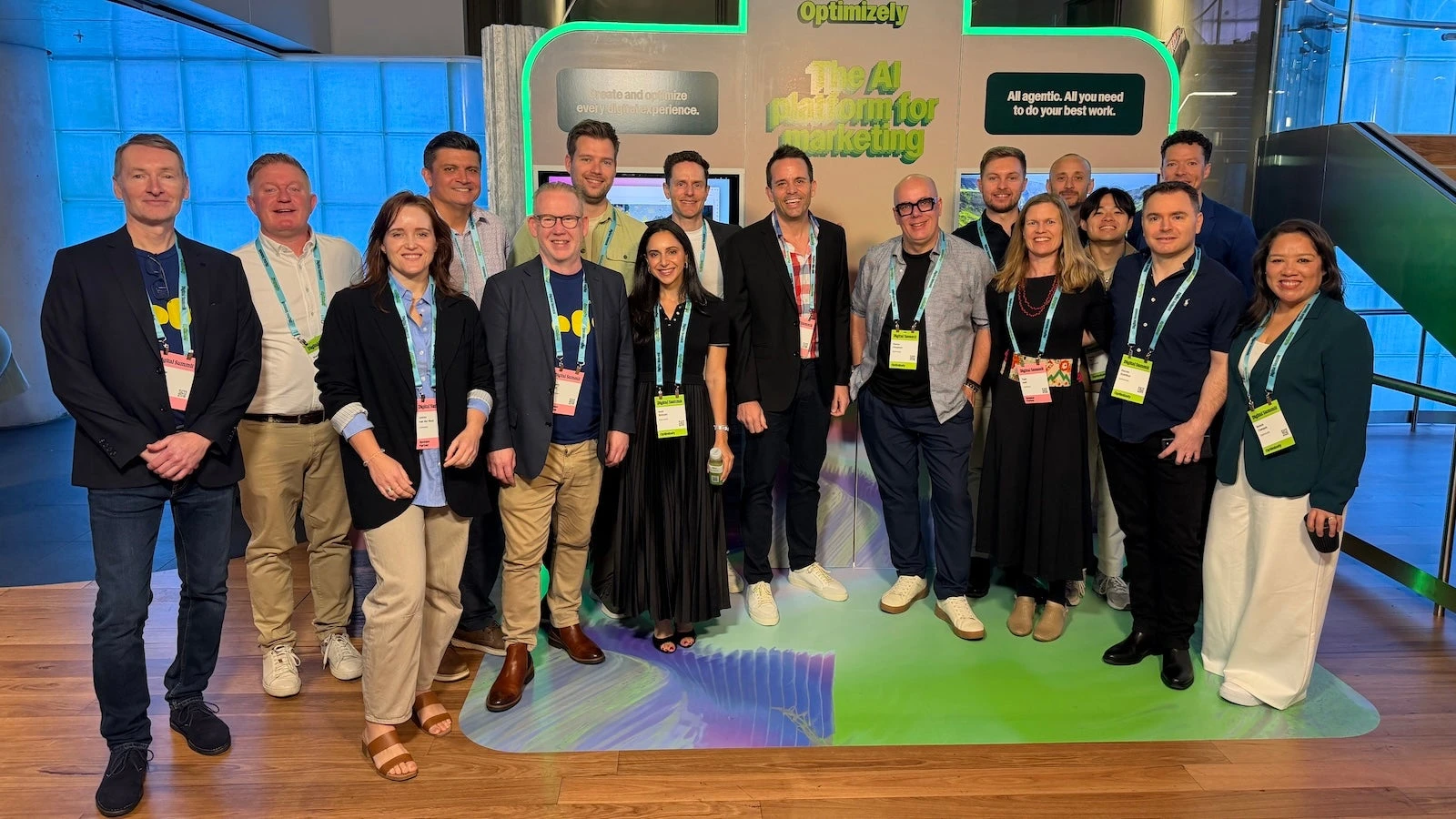
Validating specialist AI implementation capability
Use a real brief to demonstrate data retrieval, human approval and failure recovery without exposing unauthorised customer information.

Practical notes
Comparing AI agents for marketing tasks
Use the same campaign brief to compare research, drafting and release preparation. Record provenance, editability and authorisation requirements alongside speed.

Practical notes
Why you should upgrade to Optimizely CMS 12
Inventory extensions, APIs and deployment constraints and regress representative content and roles. Confirm current documentation rather than treating historical guidance as current advice.

Practical notes
Verifying annual partner achievements
Compile scope, releases and permissions and evidence recognition separately. Use methods rather than achievement announcements when records are unavailable.

Practical notes
Separating credentials from delivery responsibility
Confirm the contracting party, implementation scope and maintenance owners before checking credentials. State additional purchases even where external certification exists.




Practical notes
Optimizely multi-site best practices: a presentation by MVP Ynze Nunnink
Separate global fields, site overrides and permissions and test change propagation. Check all referencing sites before removing shared content.

Practical notes
Using industry evaluations in platform selection
Check evaluation scope, criteria and period, then validate real tasks. Ranking does not replace budget, implementation and editorial assessment.
Practical notes
Showing solution capability in a portfolio
Show goals, constraints, decisions and validation, stating connected systems. A clickable mockup is not an operating business system.

Practical notes
A multi-brand strategy in Optimizely DXP
List shared components, brand-specific assets and publishing permissions. Check that brand switching does not accidentally transfer another brand’s cart, form draft or tracking identity.
Explain the business clearly and give every visit a direction.
Optimizely · Working details
Explore Optimizely as a possible foundation. Start with editing needs, page structure and ongoing maintenance when discussing an implementation.

Tool permissions
Project discipline
Define tool permissions responsibilities, inputs, collaborators and review outcomes. This page describes a discipline; staffing is agreed for each project.
Content models
Project discipline
Define content models responsibilities, inputs, collaborators and review outcomes. This page describes a discipline; staffing is agreed for each project.
Asset optimisation
Project discipline
Define asset optimisation responsibilities, inputs, collaborators and review outcomes. This page describes a discipline; staffing is agreed for each project.

Multisite content
Project discipline
Define multisite content responsibilities, inputs, collaborators and review outcomes. This page describes a discipline; staffing is agreed for each project.
Mobile experience
Project discipline
Define mobile experience responsibilities, inputs, collaborators and review outcomes. This page describes a discipline; staffing is agreed for each project.
Account permissions
Project discipline
Define account permissions responsibilities, inputs, collaborators and review outcomes. This page describes a discipline; staffing is agreed for each project.
Service blueprints
Project discipline
Define service blueprints responsibilities, inputs, collaborators and review outcomes. This page describes a discipline; staffing is agreed for each project.

Resource downloads
Project discipline
Define resource downloads responsibilities, inputs, collaborators and review outcomes. This page describes a discipline; staffing is agreed for each project.
Shape the project
Editorial and page prototype
Prototype product, service and resource pages. Validate drafting, images, relationships, preview and publication using editorial accounts, recording capabilities that need custom work.
Integration and maintenance
List interfaces, data flows, permissions and owners. Account separately for the platform, frontend and third-party tools and test failure feedback, recovery and migration.