



Identify the product and deployment model, then test editing, previews, permissions and external data.

Related design commentary

Beyond Blue · Design showcase
Separate support, information and participation, keeping urgent and important routes visible and understandable.

ANZIIF · Design showcase
Connect professional courses, events and industry resources through consistent categories and learning goals.

Melbourne Business School · Design showcase
Support educational choices through courses, formats and admission conditions, with people and campus imagery providing context.

AEMO Energy Live · Design showcase
Separate energy news, background explanations and archives, using titles and dates to establish relevance.
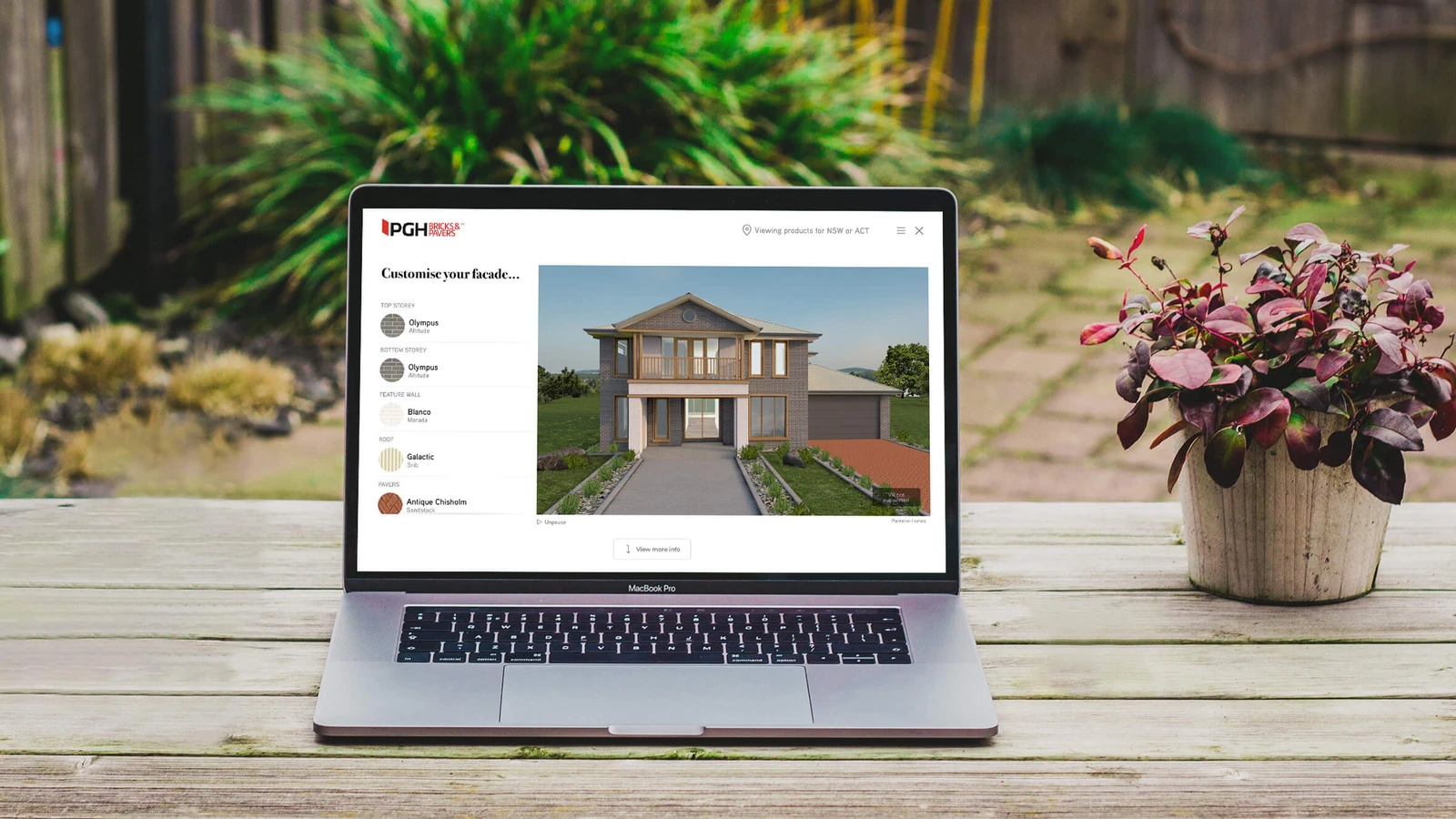
PGH Bricks Visualiser · Design showcase
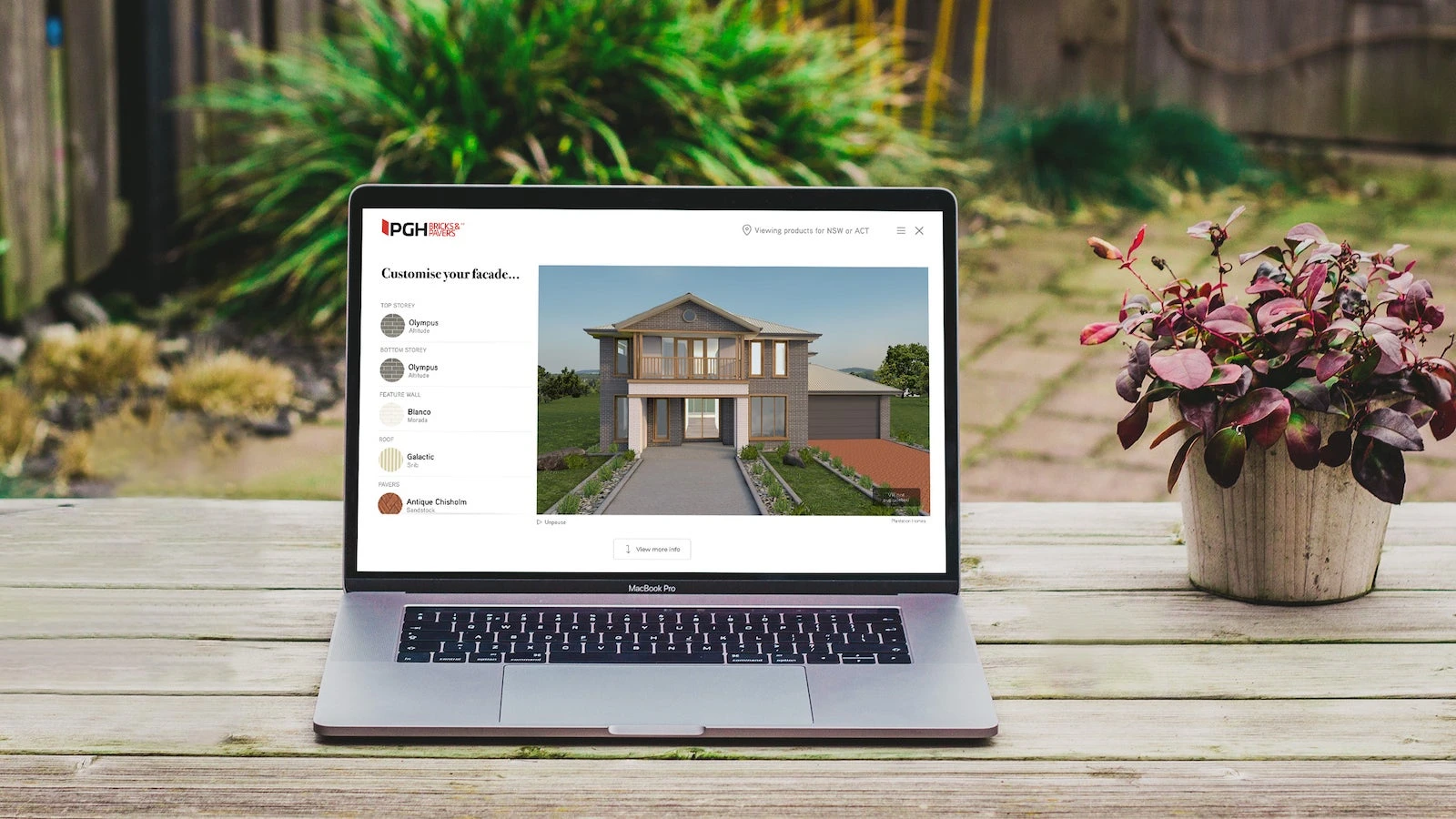
Keep material selections consistent with their visual result and pair static previews with colour, texture and specification information.
Practical notes
Explaining results in a product visualiser
Label colours, materials and scenes clearly and distinguish illustrative results from actual products. Let customers retain a summary and ask follow-up questions.


Practical notes
Organising a set of technical contributions
Organise contributions by problem, method and inspectable result. Preserve attribution and confirm names and disclosure with contributors.

Practical notes
Sitecore personalisation from Day One
Complete default content and journeys before evidence-based segmentation. Retain a shared version when data is insufficient.


Practical notes
If technical debt is a disease, SXA is the cure
Define content, style and variant boundaries for reusable components. Check all usages after a change rather than maintaining conflicting page copies.
Practical notes
Sitecore Marketers Meetup: Taming Content
Inventory duplicates, expired facts and unowned material before merging, updating or archiving. Preserve URL relationships and revisions.

Practical notes
Sitecore personalisation – where to start
Choose a page with sufficient traffic and a clear task, then define segments and fallback content. Make the pilot independently reversible.

Practical notes
Choosing a DXP: Kentico Xperience or Sitecore
Compare editing, approval, multisite and integration using the same tasks. Platform names cannot replace project-fit validation.


Sitecore · Working details
Service copy
Project discipline
Define service copy responsibilities, inputs, collaborators and review outcomes. This page describes a discipline; staffing is agreed for each project.
Delivery scheduling
Project discipline
Define delivery scheduling responsibilities, inputs, collaborators and review outcomes. This page describes a discipline; staffing is agreed for each project.
Design tokens
Project discipline
Define design tokens responsibilities, inputs, collaborators and review outcomes. This page describes a discipline; staffing is agreed for each project.
Resource downloads
Project discipline
Define resource downloads responsibilities, inputs, collaborators and review outcomes. This page describes a discipline; staffing is agreed for each project.
Static delivery
Project discipline
Define static delivery responsibilities, inputs, collaborators and review outcomes. This page describes a discipline; staffing is agreed for each project.

Quality checks
Project discipline
Define quality checks responsibilities, inputs, collaborators and review outcomes. This page describes a discipline; staffing is agreed for each project.
API integration
Project discipline
Define api integration responsibilities, inputs, collaborators and review outcomes. This page describes a discipline; staffing is agreed for each project.

Mobile experience
Project discipline
Define mobile experience responsibilities, inputs, collaborators and review outcomes. This page describes a discipline; staffing is agreed for each project.

Multisite content
Project discipline
Define multisite content responsibilities, inputs, collaborators and review outcomes. This page describes a discipline; staffing is agreed for each project.
Editorial and page prototype
Prototype product, service and resource pages. Validate drafting, images, relationships, preview and publication using editorial accounts, recording capabilities that need custom work.
Sitecore · Working details
Explore Sitecore as a possible foundation. Start with editing needs, page structure and ongoing maintenance when discussing an implementation.
Integration and maintenance
- List interfaces, data flows, permissions and owners. Account separately for the platform, frontend and third-party tools and test failure feedback, recovery and migration.