



Jamstack
Serve prebuilt pages statically and implement dynamic requests separately, with clear release, caching and private-data boundaries.
Benefits of the Jamstack – from buzzword to business ready
Editorial and page prototype
Prototype product, service and resource pages. Validate drafting, images, relationships, preview and publication using editorial accounts, recording capabilities that need custom work.
Integration and maintenance
List interfaces, data flows, permissions and owners. Account separately for the platform, frontend and third-party tools and test failure feedback, recovery and migration.

































Next: Contact OXOAK
Contact OXOAKJamstack · Working details
Explore Jamstack as a possible foundation. Start with editing needs, page structure and ongoing maintenance when discussing an implementation.

Service copy
Project discipline
Define service copy responsibilities, inputs, collaborators and review outcomes. This page describes a discipline; staffing is agreed for each project.
Accessibility checks
Project discipline
Define accessibility checks responsibilities, inputs, collaborators and review outcomes. This page describes a discipline; staffing is agreed for each project.

Recommendation rules
Project discipline
Define recommendation rules responsibilities, inputs, collaborators and review outcomes. This page describes a discipline; staffing is agreed for each project.

Visual consistency
Project discipline
Define visual consistency responsibilities, inputs, collaborators and review outcomes. This page describes a discipline; staffing is agreed for each project.
Product filtering
Project discipline
Define product filtering responsibilities, inputs, collaborators and review outcomes. This page describes a discipline; staffing is agreed for each project.
Tool permissions
Project discipline
Define tool permissions responsibilities, inputs, collaborators and review outcomes. This page describes a discipline; staffing is agreed for each project.
Related practical notes
Practical notes
Benefits of the Jamstack – from buzzword to business ready
Static delivery suits content that can be prepared ahead of time. Live pricing, stock and authentication need separate data paths; draw that boundary before choosing an architecture.

Practical notes
How do you handle online forms with Kontent.ai?
Let the CMS provide page content while a protected endpoint validates and stores submissions. Keep administrative keys out of the frontend and preserve recoverable input.

Practical notes
Serving content to IoT devices with a headless CMS
Reuse facts while adapting order and interaction to device tasks. Check length and confirmation separately for small-screen, voice and screenless output.

Validate structured reuse, visual previews, approval and cache updates across the content and frontend boundary.

Evaluate campaign audiences, content, triggers and outcomes with clear contact provenance and data permissions.
Practical notes
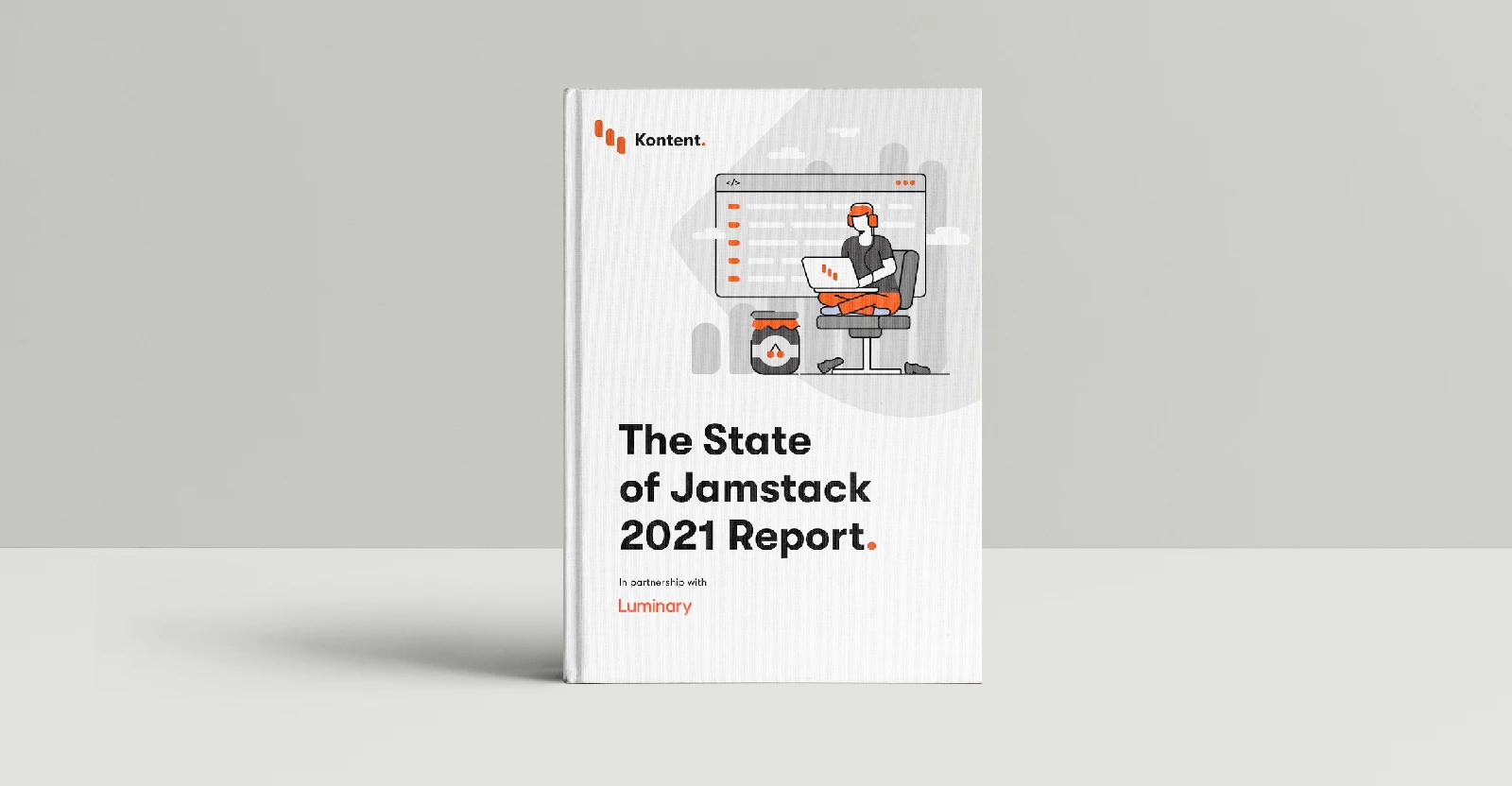
Reviewing a Jamstack implementation
Record build time, release failures, editorial updates and dynamic-endpoint issues separately. Base benefits on project evidence rather than borrowed industry figures.

Practical notes
Building a feedback loop in service partnerships
Keep the problem, resolution and confirmation for support requests. Review recurring issues and turn repetitive fixes into product or content improvements.
Practical notes
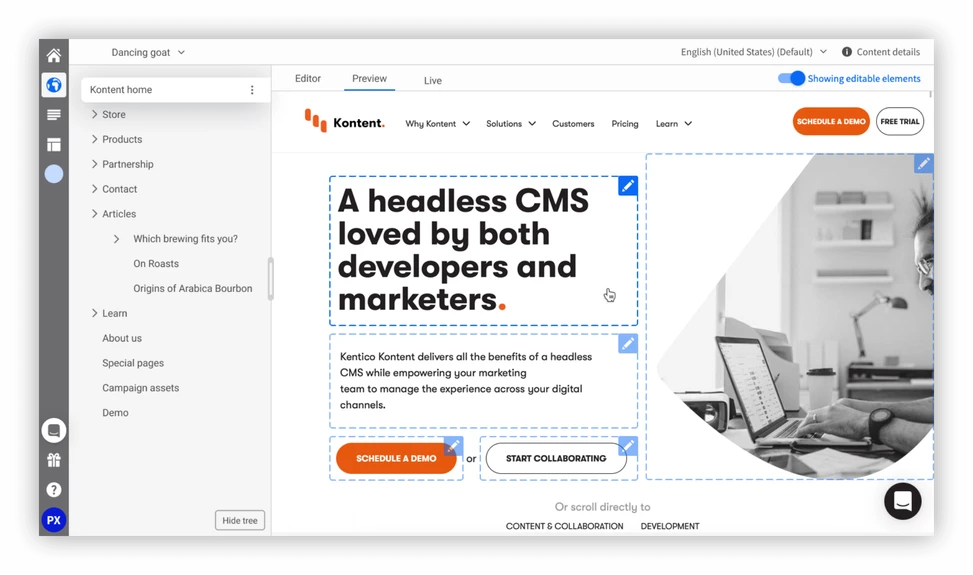
Web Spotlight - visual page editing in Kontent (in less than a day)
Verify the selected content item, save and inspect the public result. Editable preview and successful publication are separate checks.
Practical notes
Is a headless CMS good or bad for SEO?
Check rendered content, distinct URLs and metadata. An architecture label does not determine search performance; inspect the delivered page.

Evaluate models, multichannel reuse and editorial workflows together with composition, preview and frontend maintenance.

Assess models, permissions, composition and integrations when evaluating content and experience workflows.